This comes in handy when you want to take a closer look at a video frame by frame on YouTube. First, you must pause the video. You can quickly pause it by pressing the Space bar key or the K key on your keyboard.
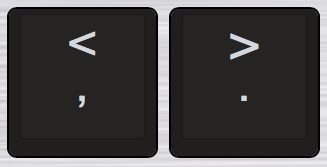
Once paused, press the (comma) , key or the (period) . key to view frame by frame on YouTube.
Pressing the (comma) , key once will take you back one frame and pressing the (period) . key once will take you to forward one frame.
Also, pressing the J or L key will take you forward or backwards by 10 seconds.
